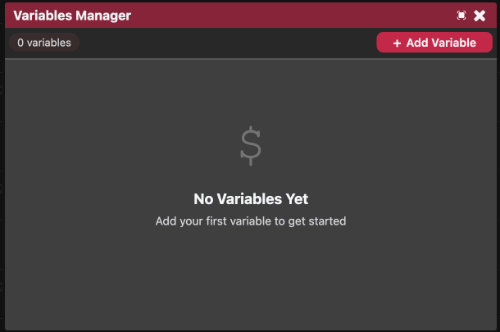
The Variables Manager allows you to create and manage project-wide variables that can be accessed throughout your game.
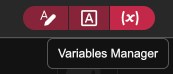
The Variables Manager can be accessed the button in the editor
Project variables are shared between dialogue and scene scripts:
- In dialogue, variables can be displayed using
{$varName}and modified using{set($var, expr)}(see Logic). - In scene scripts, variables can be accessed using
Store.GetandStore.Set(see Coding).
Project Variables
The Project Variables list displays all variables currently available in your project.
Each variable shows:
- Its name.
- Its data type.
- A preview of its current value.
New variables can be created using the Add Variable button.

Variable Types
Each variable type provides its own editor:
- String - Stores plain text values.
- Number - Stores numeric values with validation.
- Boolean - Stores a
trueorfalsevalue. - Array - Stores a list of values that can be expanded or reduced.
- Object - Stores raw JSON data in a text editor.